

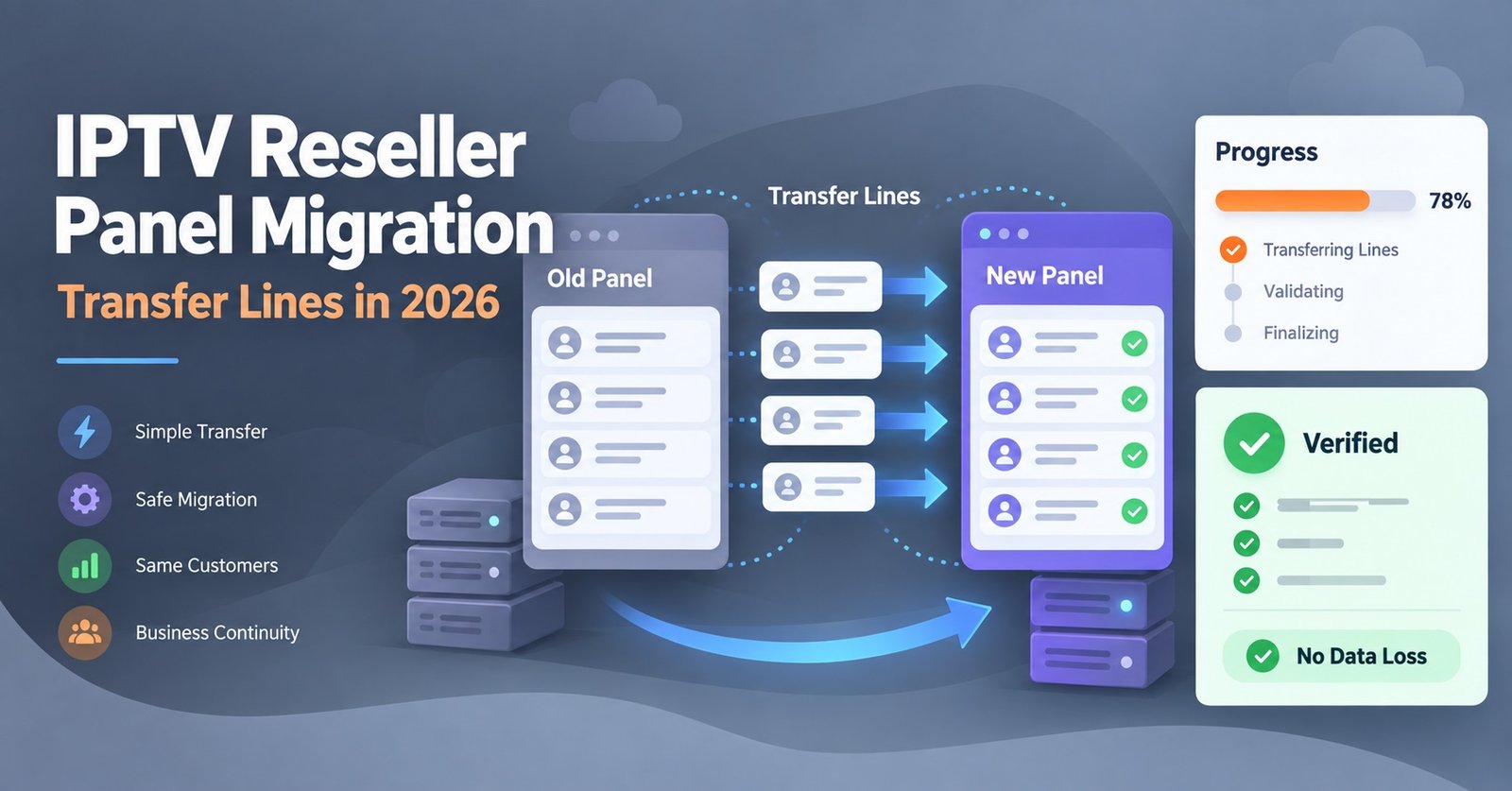
IPTV Reseller Panel Migration means moving your existing reseller operation, including your credits, user lines, and sub-reseller accounts, from one panel provider to another without interrupting active subscriptions. It’s usually triggered by unreliable infrastructure, slow support, unfair credit terms, or a provider closing down entirely. Done properly, most of your customers won’t notice anything changed at all.
Why Resellers Actually Decide to Move
Nobody migrates a working panel for fun. It’s disruptive, it takes time, and there’s always a small window of risk while accounts settle into a new system. Resellers usually reach that decision after months of small frustrations building up rather than one dramatic failure.
The most common triggers are repeated buffering complaints that support never resolves, credit pricing that quietly increases every few months, dashboard tools that feel outdated compared to newer platforms, or a provider that simply stops responding to tickets. Some migrations aren’t even a choice. Panels shut down, get sold, or lose their upstream server access, leaving resellers with days rather than weeks to act.
Whatever the reason, the underlying goal is the same: keep the customers you’ve already built while fixing whatever was holding your business back.
Signs Your Current Panel Is Already Costing You Customers
Before jumping into a switch, it helps to be honest about what’s actually broken. A few patterns tend to show up consistently in UK IPTV panel reseller communities and support threads.
- Customers messaging about buffering or freezing more than once a week
- Credit balances that don’t match your own transaction records
- Support tickets sitting unanswered for more than 24 to 48 hours
- No sub-reseller functionality, forcing you to manage everyone from one login
- Bulk actions that time out or freeze the dashboard entirely
If two or more of these sound familiar, migration probably isn’t overreacting. It’s catching up with a decision you’ve been putting off.
How IPTV Reseller Panel Migration Actually Works
The process itself isn’t complicated, but skipping steps is where most disruption happens. A sensible sequence looks like this:
- Audit your current base. List every active user line, expiry date, subscription length, and which lines belong to sub-resellers rather than direct customers.
- Trial the new panel first. Before committing credits, use a free trial to generate a handful of test lines and check playback, dashboard speed, and how bulk actions behave.
- Confirm migration support. Ask the new provider directly whether they assist with migration, or whether you’ll be rebuilding your entire customer base manually.
- Run both panels in parallel. Keep the old panel active while you recreate lines on the new one. This avoids a hard cutoff where customers lose access mid-transition.
- Migrate in batches, not all at once. Move a portion of your customer base first, confirm everything works, then continue with the rest.
- Send new credentials clearly. Each customer needs a new username, password, and server URL. Explain it in one short message rather than assuming they’ll figure it out.
- Close the old panel only after full confirmation. Wait until every migrated line has been tested and no support tickets are coming in before cancelling the previous service.
Pro tip: Keep a spreadsheet outside either panel listing every customer, their subscription length, and their migration status. If a panel dispute ever happens, this record is yours, not something you have to request back from a provider.
Migration Stage | Risk If You Skip It
| Migration Stage | Risk If You Skip It |
|---|---|
| Trialing the new panel first | Discovering compatibility or buffering issues after customers are already moved |
| Running panels in parallel | Customers losing access during the switch with no fallback |
| Migrating in batches | One mistake affecting your entire customer base at once instead of a small group |
| Recording customer data independently | Losing your own business records if the old panel becomes inaccessible |
Keeping Customers Connected During the Switch
The biggest reputational risk in any migration isn’t the panel itself, it’s silence. Customers who suddenly can’t log in and hear nothing from you will assume the service has shut down, and some will simply cancel rather than wait for an explanation.
A short message sent before the switch goes a long way: something as simple as letting people know their login details will change on a specific date, and that the picture quality and channels stay exactly the same. For larger customer bases, staggering the rollout across a few days gives you room to catch and fix issues before they affect everyone.
Pro tip: Send new credentials with a one-line instruction on which app to enter them into. Many support tickets after migration come from confusion, not from anything technically wrong.
Common Mistakes That Cause a Flood of Support Tickets
Reseller communities repeat the same handful of migration mistakes. Watching for these before you start saves a lot of frustration later.
- Migrating the entire customer base in one go instead of testing with a small batch
- Cancelling the old panel before confirming every recreated line actually works
- Assuming device compatibility is identical between panels without checking
- Not telling sub-resellers a migration is happening until it’s already underway
- Losing track of which customers have been moved and which haven’t
What Sub-Resellers Need Before a Panel Change
If you run sub-reseller accounts, migration isn’t only your decision to manage. Sub-resellers depend on your credit pool and permissions structure, and a sudden switch without warning can break their own customer relationships just as easily as yours.
Give sub-resellers advance notice, confirm whether their permission settings will carry over or need rebuilding, and clarify who is responsible for communicating the change to end customers. A migration that goes smoothly at your level can still cause chaos two layers down if that conversation gets skipped.
Choosing a Panel Worth Migrating To
Before locking in a new provider, it’s worth checking a few practical things rather than relying on marketing claims alone.
- Does the provider explicitly offer migration assistance, or are you on your own?
- How transparent is credit tracking, and can you see a full transaction log?
- What’s the realistic support response time, not just the advertised one?
- Does it support sub-reseller accounts if you need them?
- Can you test everything properly with a free trial before paying?
If you’re still comparing options, British Reseller’s IPTV reseller panel guide covers how credits and dashboard tools typically work, and the panel features overview breaks down what a fuller feature set actually looks like day to day. Pricing structures also vary more than people expect, so it’s worth reviewing current credit packages before assuming your costs will stay the same after switching.
Frequently Asked Questions
How long does IPTV Reseller Panel Migration usually take?
It depends on customer base size. A small operation with under 50 lines can often migrate within a day or two. Larger bases with sub-resellers may take a week or more if you’re migrating in batches, which is generally the safer approach.
Will my customers need new login details after migration?
Yes, almost always. A new panel means a new server URL, username, and password for each line. This is normal and shouldn’t cause problems as long as you communicate it clearly beforehand.
Can I migrate without disrupting active subscriptions?
Running both panels in parallel during the transition is the main way to avoid disruption. Customers stay connected on the old panel until their new line is confirmed working, then you switch them over individually.
What happens to unused credits when I switch providers?
This depends entirely on the old provider’s terms. Some allow a partial refund or transfer, others don’t. It’s worth checking this before you commit fully to leaving, particularly if you’re holding a large unused balance.
Do I need to inform sub-resellers before starting migration?
Yes. Sub-resellers manage their own customers using permissions and credits tied to your account. A migration that happens without warning can break their operations just as much as yours.
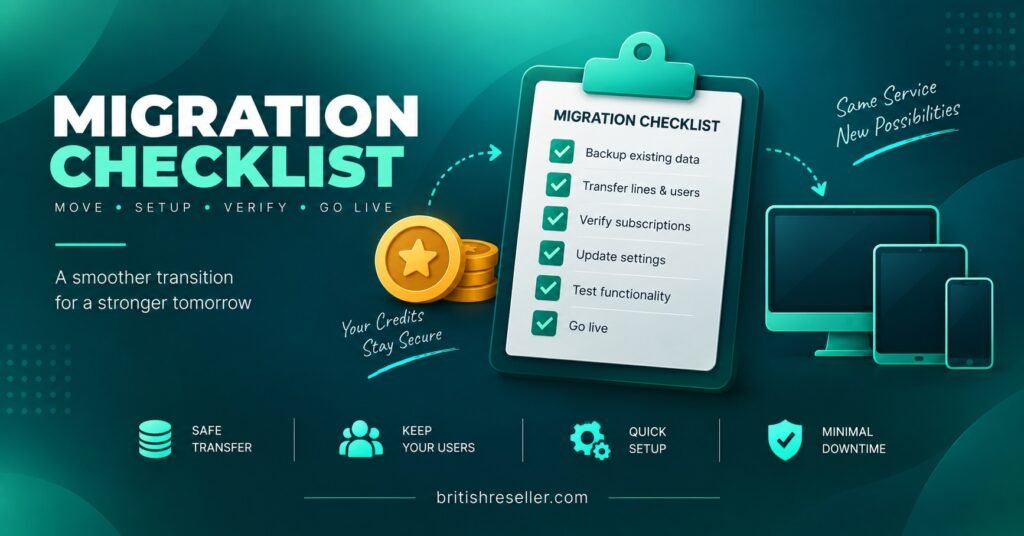
Migration Checklist
- Audit every active line, expiry date, and sub-reseller account before starting
- Trial the new panel and test playback across the devices your customers actually use
- Confirm whether the new provider offers direct migration assistance
- Run old and new panels in parallel rather than cutting over instantly
- Migrate in small batches and confirm each one before continuing
- Notify sub-resellers in advance, not after the switch has started
- Keep an independent record of customers and migration status outside either panel
- Only cancel the old panel once every migrated line has been confirmed working
IPTV Reseller Panel Migration comes down to preparation more than technical difficulty. The panels themselves aren’t hard to set up; what actually protects your business is auditing your customer base honestly, testing before committing, and moving people over in stages rather than all at once. If your current setup is already causing support headaches, the switch is usually less disruptive than staying put and hoping things improve on their own. When you’re ready to compare options, reach out to the support team to ask specifically about migration assistance before you commit to a new panel.