

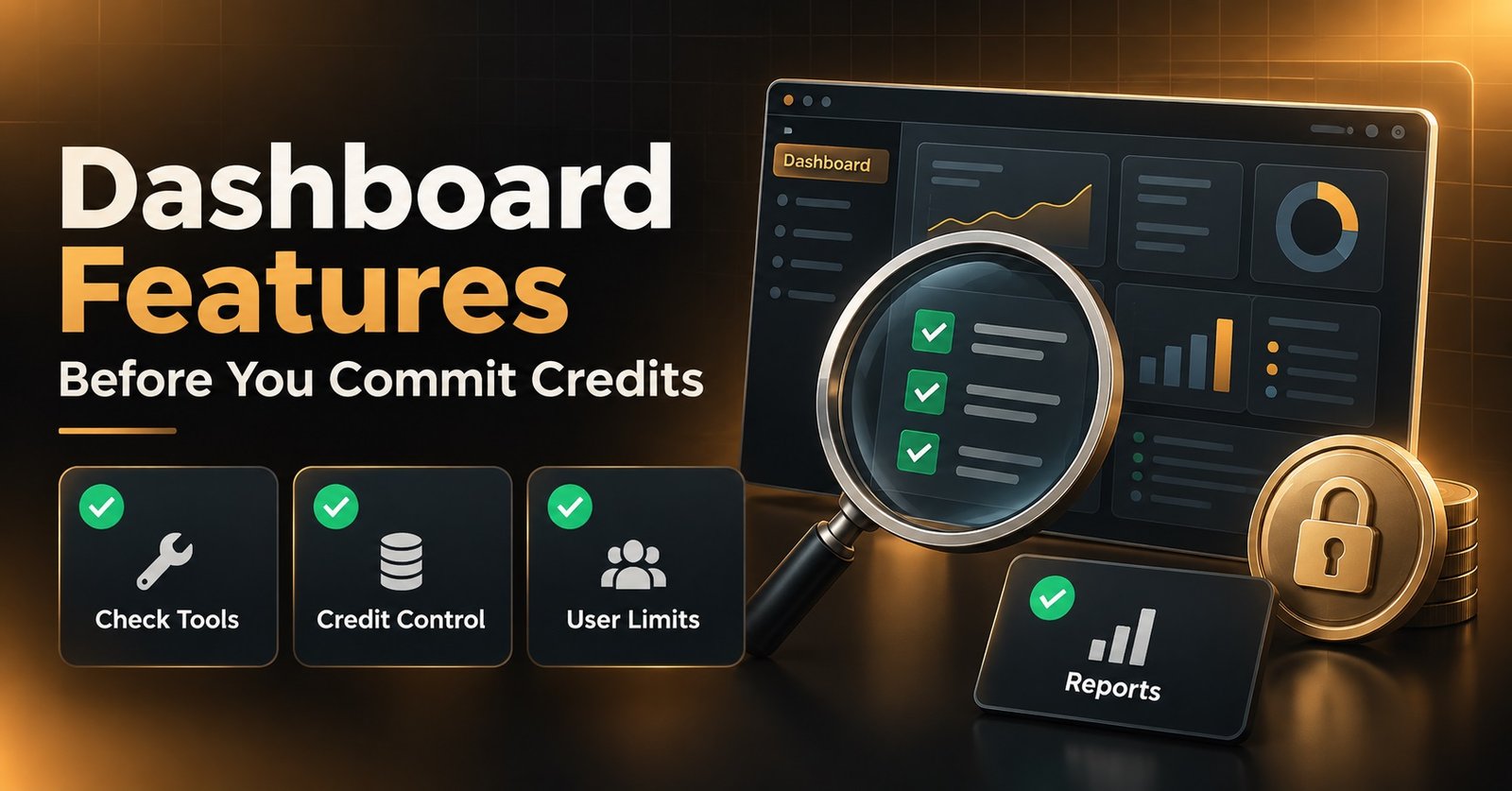
Most IPTV Reseller Dashboard Features listed on a provider’s homepage look identical from one panel to the next. The gap shows up once you’re managing fifty active customers instead of five, not before you’ve signed up.
The features that matter aren’t always the ones printed largest on a pricing page. Credit tracking, bulk editing, and sub-reseller controls tend to decide whether your daily workflow feels manageable or whether every renewal turns into a manual chore. Before comparing panels, it helps to separate the features that genuinely change your workload from the ones that simply sound good in a bullet list.
The Feature List Every Panel Publishes, and Where They Actually Diverge
Open five reseller panel homepages and you’ll find near-identical wording: instant activation, sub-reseller support, multi-device compatibility, 24/7 support. On paper, there’s barely a difference between them. In practice, the same named feature can behave completely differently depending on how it’s built.
Take bulk actions as an example. One panel might let you select twenty user lines and extend them in a single click. Another might technically offer “bulk management” but require you to confirm each line individually through a pop-up, which defeats the point entirely. Both providers can honestly claim the feature exists. Only one of them saves you time.
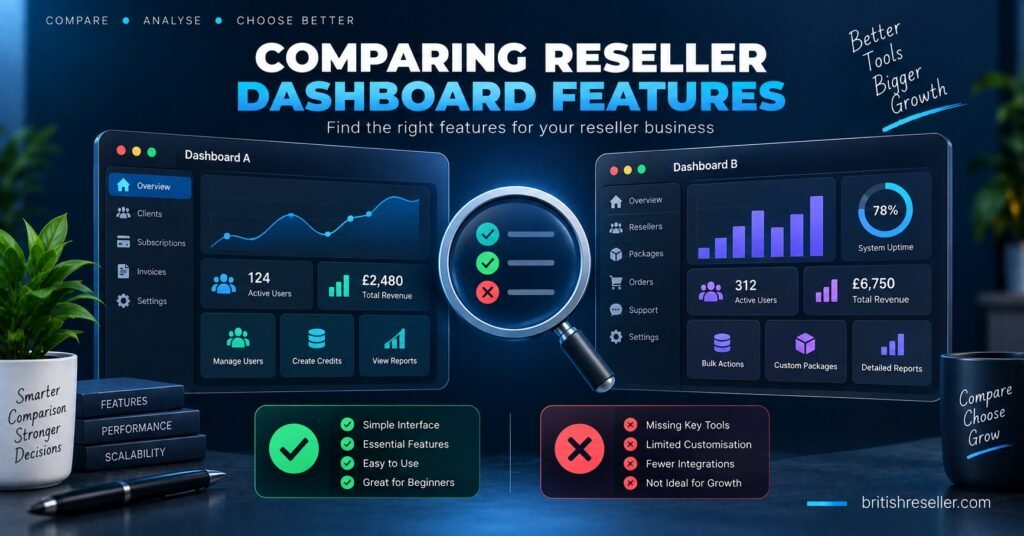
This is why comparing dashboard features properly means looking past the label and asking how each feature actually functions once you’re using it under normal working conditions, not during a five-minute demo.
IPTV Reseller Dashboard Features That Separate a Working Panel From a Checkbox List
A handful of features consistently determine whether a panel fits into daily IPTV panel reseller operations. These are the ones worth testing directly rather than taking on trust.
Credit Tracking and Transaction Logs
Every credit you spend should be traceable. A proper log shows which line each credit went towards, the exact time it was deducted, and your running balance without needing to contact support to reconstruct it. If a customer disputes when their subscription started, you need to be able to check that in seconds, not guess.
User Line Controls
This covers extending, suspending, editing bouquets, resetting credentials, and deleting lines. The real test is how many clicks each action takes and whether changes apply immediately or need a refresh, a support ticket, or a delay before they take effect.
Trial Generation
A trial generator that doesn’t draw from your paid credit balance lets you hand out test access freely. Weaker implementations either charge a partial credit for trials or require manual approval each time, which slows down the exact moment you’re trying to close a new customer.
Sub-Reseller Accounts
If you plan to build a team, this feature needs proper permission controls. Sub-resellers should get their own credit pool and their own customer view without being able to see or touch your main account balance or your other clients’ lines.
Bulk Actions
Selecting multiple lines and applying one action across all of them is the difference between managing ten customers and managing two hundred. This becomes essential the moment your customer base grows past what you can comfortably handle one line at a time.
Basic Panel vs Advanced Panel: Where the Line Actually Falls
| Feature | Basic Implementation | Advanced Implementation |
|---|---|---|
| Credit logs | Shows current balance only | Full transaction history with timestamps |
| Bulk actions | Not available or single-line only | Multi-select with batch extend, suspend, delete |
| Sub-reseller permissions | Shared balance, limited visibility | Independent credit pools and permission tiers |
| Trial generation | Manual request or approval delay | Self-service, instant, no credit deduction |
Pro tip: During a free trial, try extending three or four lines at once and check how many steps it actually takes. That single test tells you more about a panel’s build quality than any features page.
Features That Sound Impressive But Rarely Change Your Day
Some commonly advertised features add little to actual daily use. White labelling is genuinely useful if you’re building a brand, but it changes nothing about how quickly you can create or manage a line. “Analytics dashboards” often amount to a single graph of credit spend over time, which is nice to glance at but rarely informs a real business decision.
Multi-device compatibility is worth checking, but it’s now close to standard across most reasonably built panels rather than a genuine differentiator. Don’t let a long features list distract from whether the core daily actions, creating lines, extending them, tracking credits, actually run smoothly.
Testing Dashboard Features Before You Commit Credits
A trial period exists precisely so you can test this before spending money. Use it properly rather than just logging in and looking around.
- Create a trial line and time how long it takes from click to working credentials
- Extend an existing line and note how many screens or confirmations it requires
- Check whether the credit log shows enough detail to answer a customer dispute
- If you’ll use sub-resellers, create a test sub-account and confirm the permission boundaries actually hold
- Try a bulk action on at least two lines if the feature is advertised
If any of these feel clunky during a trial with two test lines, they will feel considerably worse once you’re managing fifty real customers.
Pro tip: Ask support a moderately technical question during your trial and time the response. Support quality under normal conditions is one of the more reliable predictors of how they’ll handle you during an actual outage.
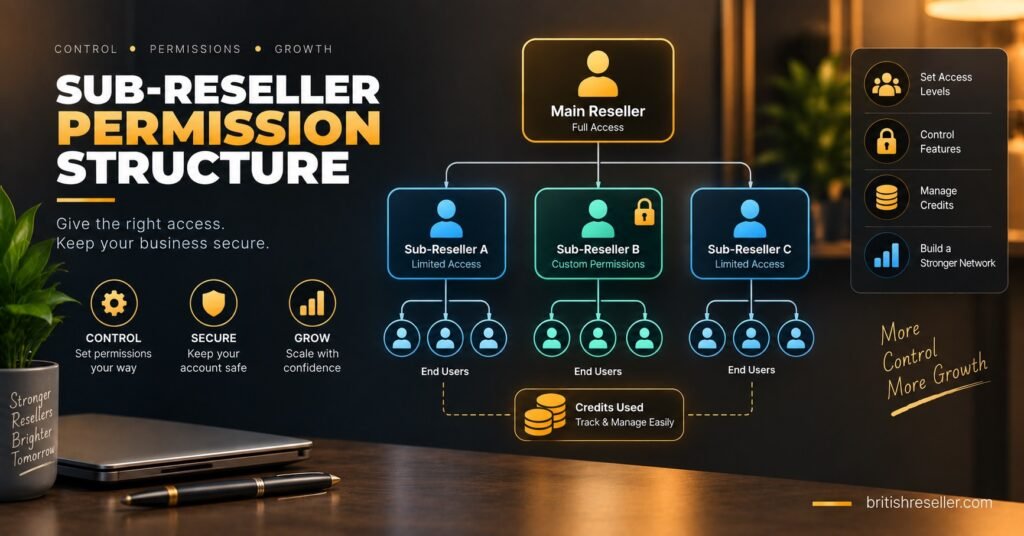
IPTV Panel Resellers running a small operation alone might not need sub-reseller controls at all, while someone building a team should treat that feature as a priority rather than an afterthought. Comparing panels only makes sense against your own actual workflow, not a generic list of what a panel could theoretically do. For a full breakdown of what a single panel offers, it’s worth browsing the complete feature set before deciding what you actually need.
Frequently Asked Questions
Do all IPTV reseller panels offer the same core features?
Most advertise similar feature names, but implementation quality varies significantly. The same feature can be fast and reliable on one panel and slow or limited on another.
Which dashboard feature matters most for a new reseller?
Credit tracking and user line controls matter most early on, since these are used constantly. Sub-reseller tools only become relevant once you’re building a team.
Can I test dashboard features without buying credits first?
Yes, most providers offer a free trial specifically so you can test the interface and core actions before committing to a credit package. Understanding how the credit system works beforehand makes that trial period more useful.
Is a higher number of listed features always better?
Not necessarily. A shorter list of well-built core features usually serves a working reseller better than a long list padded with features that are rarely used.
Do sub-reseller permissions actually protect my main account?
When properly implemented, yes. Sub-resellers should only see their own credit pool and their own customers, with no visibility into your main balance or other accounts.
Choosing Based on IPTV Reseller Dashboard Features That Actually Fit Your Workflow
Comparing IPTV Reseller Panel Dashboard Features properly means testing the ones you’ll use daily, credit tracking, line management, and bulk actions, rather than counting bullet points on a homepage. A panel with fewer advertised extras but faster, cleaner core functions will usually serve you better than one with a long feature list and clunky execution underneath it.
Before committing credits to any provider, run your own small test during the trial period and see how the panel behaves under the exact actions you’ll repeat every day. If you’re ready to compare options directly, you can view current credit packages and test the dashboard for yourself.
Dashboard Evaluation Checklist
- Test credit tracking detail during your trial, not just the balance display
- Extend and edit at least two user lines to check speed and click count
- Confirm bulk actions work on multiple lines if advertised
- Set up a test sub-reseller account if you plan to build a team
- Check how trial generation affects (or doesn’t affect) your credit balance
- Message support with a real question and note the response time