

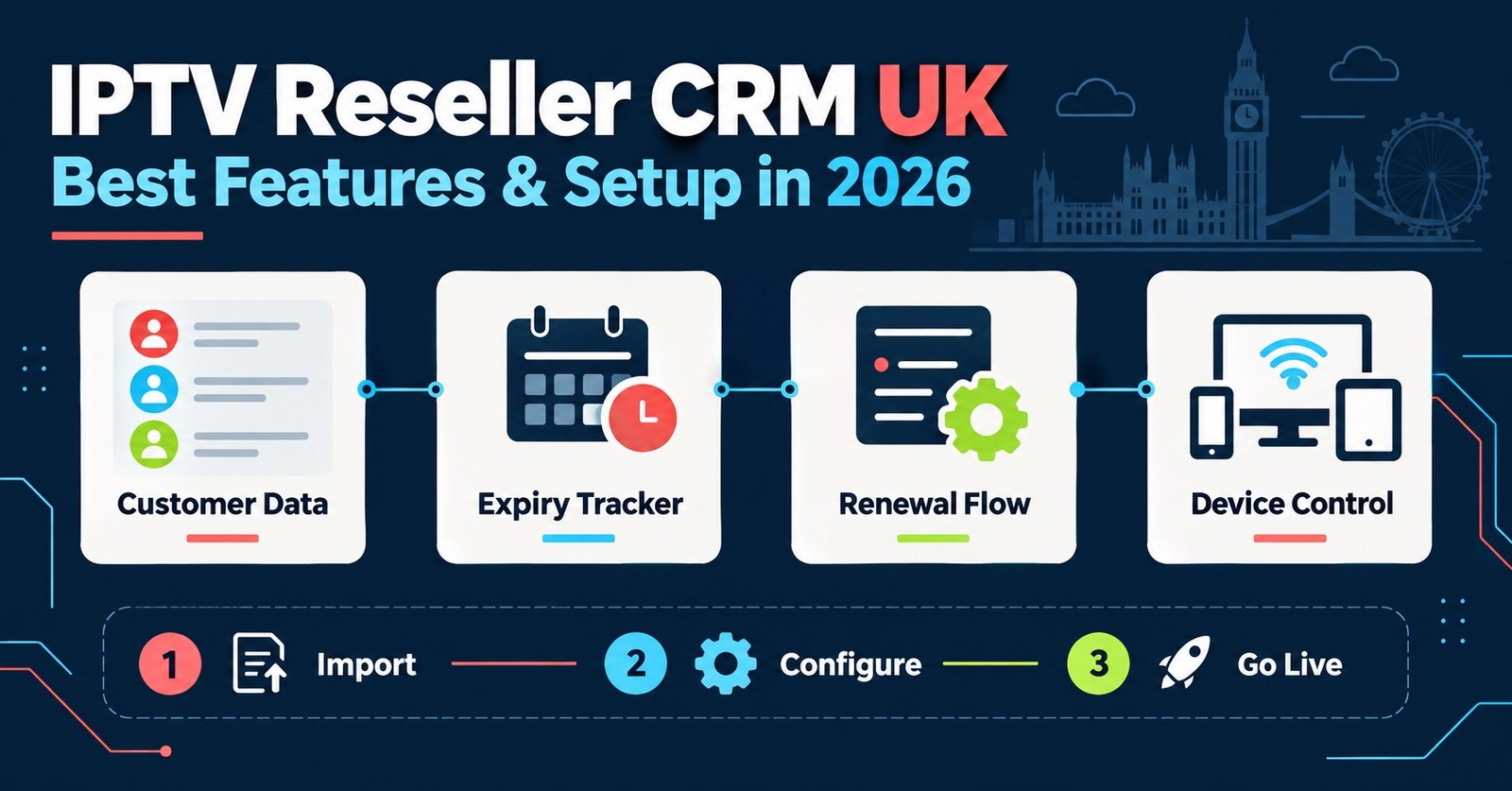
An IPTV Reseller CRM UK setup exists mainly to answer one question quickly: who is due for renewal, and when. If your customer records live across spreadsheets, WhatsApp threads and memory, that question takes longer to answer every single week, and customers notice the delay before you do.
Why Customer Records Fall Apart Without a Proper System
Most IPTV Panel resellers start small enough that a mental note works. Ten customers, maybe fifteen. You remember who paid last month and roughly when their line runs out. That approach collapses somewhere between thirty and fifty active customers, usually right as the business starts becoming worth taking seriously.
The failure point isn’t dramatic. It’s a customer who messages asking why their line stopped working, and you have no record of when they last renewed, what package they’re on, or whether they mentioned a device issue three weeks ago. Multiply that across a growing customer base and you’re spending more time reconstructing history than actually running the business.
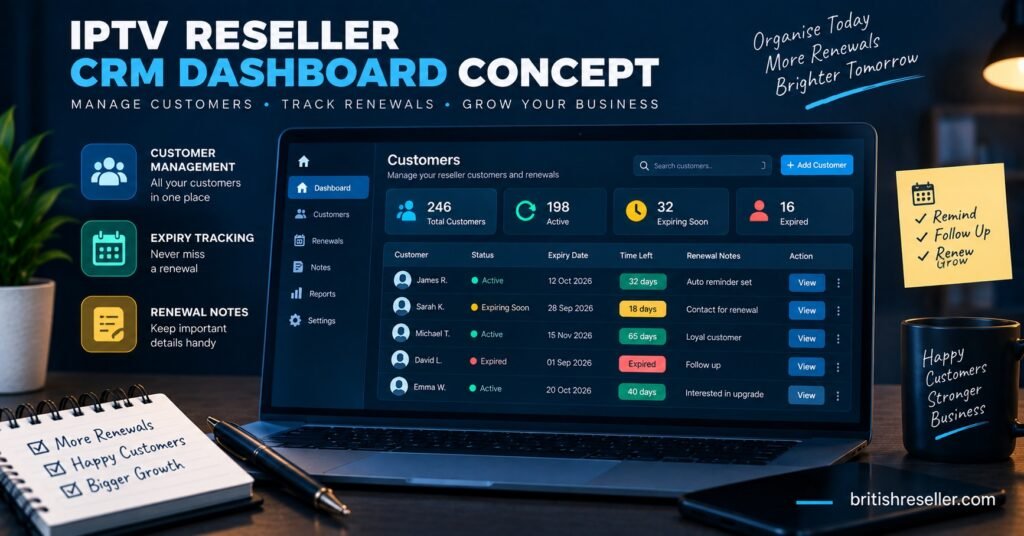
A CRM, in this context, isn’t a separate piece of software you bolt on top of your reseller panel. For most UK resellers it’s either a built-in dashboard feature or a lightweight system running alongside the panel that pulls the same core information together: who the customer is, what they’ve bought, when it expires, and what’s been said to them.
What an IPTV Reseller CRM UK Setup Needs to Track
There are four things that actually matter here, and they’re the four in the question you’re likely asking right now: customers, expiries, notes and renewals.
Customer records. Name or handle, contact method, package or subscription length, device type, and the date they first signed up. Not because you need a full profile, but because when a dispute comes up months later, you want the answer in seconds rather than a scroll through old messages.
Expiry tracking. This is the part that actually saves a reselling business from itself. Every line has a date it stops working. A system that surfaces “expiring in 3 days” without you manually checking each account is the difference between proactive renewal messages and a customer discovering their service is dead on their own.
Notes. Free text against each customer, used for things a form field can’t capture. “Asked for a discount, said no.” “Had buffering complaints in October, resolved after device swap.” “Requested invoice for business use.” Six months later, that context matters, and nobody remembers it without writing it down.
Renewals. The record of what actually happened when a customer’s line came up for expiry. Did they renew on time, late, upgrade to a longer term, or churn entirely. This is the data that eventually tells you your actual retention rate, not a guess.
Pro tip: Set a fixed day each week to review anything expiring in the next seven days rather than checking constantly. A weekly rhythm catches everything without turning renewal chasing into a daily distraction.
How the Renewal Workflow Should Actually Run
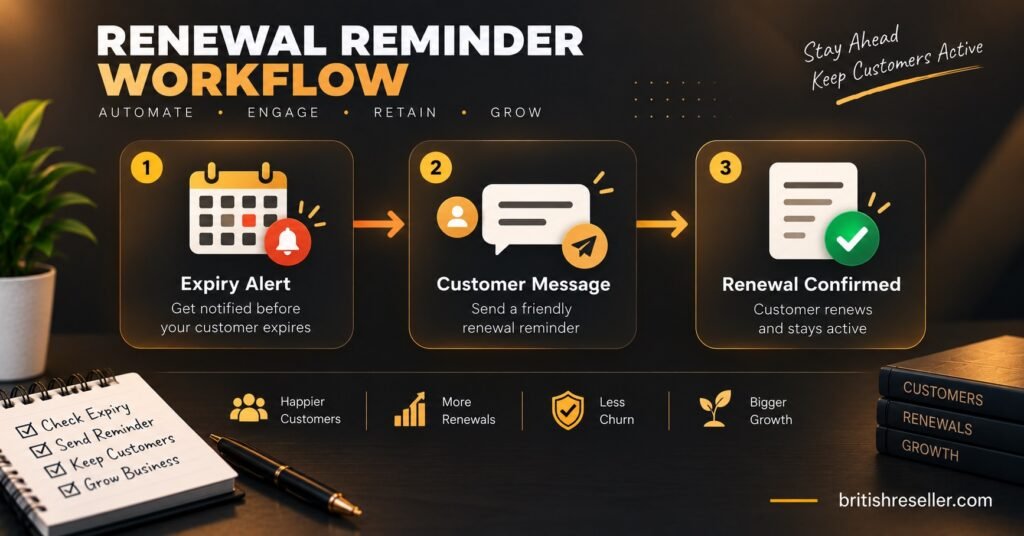
Here’s the sequence that a working IPTV Reseller CRM UK setup supports, from expiry approaching to renewal completed.
Roughly five to seven days before a line expires, the system should flag it, either automatically inside a reseller panel’s dashboard or manually if you’re tracking expiries in a spreadsheet. You message the customer, referencing their specific package and price so there’s no ambiguity about what they’re renewing into.
If they respond and pay, you extend the line through your panel, log the renewal date and payment method against their record, and move on. If they don’t respond within a day or two, a second, shorter message goes out closer to the actual expiry date. Some customers genuinely forget until the last moment, and a second nudge recovers a meaningful chunk of otherwise lost renewals.
If the line expires without renewal, that’s not the end of the record. Mark it as lapsed rather than deleting it. Customers come back weeks or months later more often than resellers expect, and having their old package details and notes on hand makes reactivating them a thirty-second job instead of starting from scratch.
Common Mistakes That Break This System Before It Starts
Relying on the panel’s expiry list alone, with no notes attached. Most reseller dashboards show you who’s expiring, which covers the tracking half of the job. It doesn’t tell you that a customer already complained about pricing last renewal, or that they specifically asked to switch to a twelve-month term next time. Without notes, every renewal conversation starts from zero.
Treating churned customers as gone. Deleting a lapsed customer’s record feels like tidying up. It actually erases the one thing that makes reactivating them easy: knowing what they had, what they paid, and why they left.
Splitting the workload across tools that don’t talk to each other. Customer contact details in one app, expiry dates in a separate spreadsheet, notes scattered across chat history. Each piece is fine on its own. Together, they mean nobody, including you, has the full picture in one place when it’s needed.
Not recording renewal outcomes at all. If you only track that a customer exists and when they expire, you never build the data that shows whether your churn is improving, worsening, or staying flat. That number matters more than most resellers realise until they start watching it.
What to Check Before Choosing Between a Built-In System and a Separate CRM
| Question to ask | What to check |
|---|---|
| Does the reseller panel already track expiries and flag them? | Look for a dashboard view sorted by expiry date, not just a raw customer list |
| Can you attach free-text notes to individual customers? | Some panels only store package and expiry data, with no notes field at all |
| Is renewal history kept after a line lapses? | Check whether expired accounts are archived or deleted outright |
| Would a spreadsheet actually cover your current volume? | Fine under roughly 20 to 30 active customers, unreliable well beyond that |
Not every reseller needs a dedicated external CRM. If your panel already surfaces expiring lines clearly and lets you attach notes, that’s often enough. A separate system starts earning its keep once you’re managing sub-resellers, running a genuinely large customer base, or need reporting your panel doesn’t provide.
Pro tip: If your current panel has no notes field, keep a simple separate log even if it’s just a spreadsheet. A missing notes system causes more repeat problems than almost anything else on this list.
Building This Without Overcomplicating It
The temptation, especially for a growing operation, is to reach for a full CRM platform built for entirely different industries, with pipelines, deal stages and automation rules that don’t map onto reselling at all. That’s usually a step too far too early.
What actually works for most UK IPTV resellers is simpler: a reseller panel that handles credits, user lines and expiry tracking properly, paired with a lightweight notes system, whether that’s a notes field inside the panel itself or a basic spreadsheet running alongside it. The IPTV reseller panel guide covers how credit and dashboard systems fit together if you’re still deciding on the core panel itself.
Sub-resellers add another layer worth thinking about early. If you’re running or planning a sub-reseller network, each sub-reseller needs visibility into their own customers’ expiry dates and notes, without seeing your entire operation. Check this before committing to a system, because retrofitting permission structures later is far more disruptive than building them in from the start.
Frequently Asked Questions
Do I need separate CRM software alongside my reseller panel?
Not necessarily. If your panel already tracks expiries clearly and allows notes against each customer, that combination usually covers what a small to mid-sized reseller needs. A dedicated CRM becomes worth considering once volume, sub-reseller management, or reporting needs outgrow what the panel provides on its own.
What should I do with a customer record after their line expires without renewal?
Keep it rather than deleting it. Mark the account as lapsed and retain the package history and any notes. Customers frequently return weeks or months later, and a preserved record turns reactivation into a quick, straightforward process instead of starting the relationship over.
How far in advance should renewal reminders go out?
Roughly five to seven days before expiry works well for most customers, with a shorter follow-up closer to the actual date if there’s no response. This gives enough notice without customers forgetting again by the time their line actually runs out.
Can a spreadsheet realistically replace a proper tracking system?
For a small customer base, yes, provided it’s updated consistently and includes expiry dates, notes and renewal history rather than just names and packages. Past roughly twenty or thirty active customers, most resellers find a spreadsheet becomes harder to maintain accurately than a dashboard built for the job.
Should sub-resellers see the full customer database?
Generally no. Sub-resellers should see and manage their own customers’ records, including expiries and notes, without visibility into the wider operation. Check that any panel or CRM setup you use supports this kind of permission separation before relying on it for a multi-reseller structure.
Bringing It Together
An IPTV Reseller Panel CRM UK setup doesn’t need to be complicated to work well. What it needs is consistency: every customer recorded properly, every expiry flagged before it becomes a problem, every relevant conversation captured as a note, and every renewal outcome logged so you actually know how your business is performing over time. Whether that lives inside your existing reseller panel or in a lightweight system running beside it matters less than whether you actually use it every week. Start by checking what your current panel already tracks, fill the gaps with a simple notes habit, and the rest tends to fall into place.