

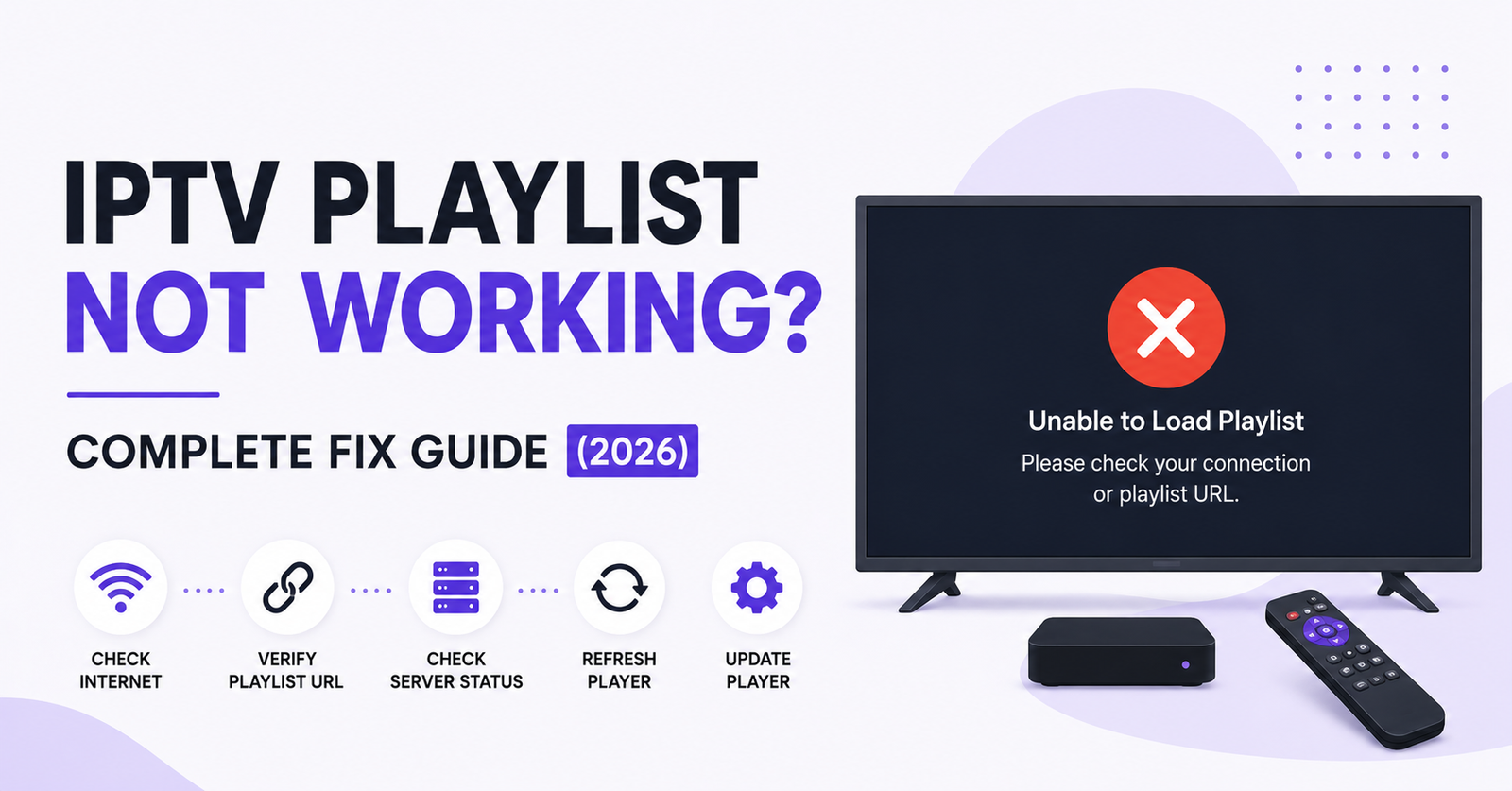
An IPTV Playlist Not Working almost always comes down to one of four things: the playlist URL has expired or been changed, the provider’s server is temporarily down, the app you’re using has a settings or cache problem, or your connection is blocking the stream. Before assuming the worst, it helps to check these in order, because the fix is often much simpler than a full reinstall. This guide walks through the checks a support team would actually run, so you can sort it yourself in most cases.
Table of Contents
ToggleWhy a Playlist Stops Loading in the First Place
A playlist file, usually an M3U or M3U8 link, is really just an address that points your app to a list of channels sitting on a server. When that address stops resolving, or the server behind it stops responding, your app has nothing to load. It’s not usually a fault with the app itself. It’s almost always something upstream, on the provider’s side, or something local, on your device or router.
Playlists can fail for reasons that have nothing to do with each other. A provider might rotate server URLs for security reasons without warning subscribers clearly. A router firmware update might quietly change how it handles certain streaming ports. A subscription might simply have lapsed without the customer noticing the renewal date. Because the symptoms look identical from the viewer’s side, a blank screen, a spinning loader, or an error code, working through the possibilities in order saves time compared with guessing.
Check the Basics Before Anything Else
Start with the boring checks first, because they solve more cases than people expect.
Confirm the subscription itself is still active. IPTV Panels Providers usually send a renewal reminder, but it can land in a spam folder or get missed. If the subscription has expired, no amount of app troubleshooting will bring the playlist back.
Check the date and time settings on the device. Some IPTV apps validate playlist tokens against the device clock, and if the clock has drifted, valid links get rejected as expired even when they aren’t.
Restart the router. This sounds basic, but IPTV traffic depends on a stable connection, and a router that’s been running for weeks without a reboot can develop routing table issues that specifically affect streaming ports while web browsing still works fine.
Test the internet connection with something else, a video call or a large file download, to confirm the fault sits with the playlist and not with the connection generally.
Pro tip: if the app shows a specific error code rather than a blank screen, search that exact code alongside your app name. Error codes usually point to whether the problem is authentication, network, or format related, which narrows the fix considerably.
Common Causes of an IPTV Playlist Not Working
Once the basics are ruled out, the fault usually sits in one of these areas.
| Problem | Likely cause | Next action |
|---|---|---|
| Blank channel list | Expired or changed M3U link | Request a fresh playlist URL from your provider |
| “Connection error” on load | Provider server outage | Check the provider’s status page or support channel |
| Loads then freezes on one device only | App cache or corrupted local data | Clear the app’s cache and re-add the playlist |
| Works on Wi-Fi, fails on mobile data | Network or ISP restriction | Test on a different network to isolate the cause |
| “Format not supported” error | Malformed or incomplete playlist file | Ask the provider to resend the playlist in the correct format |
Working Through the List Yourself
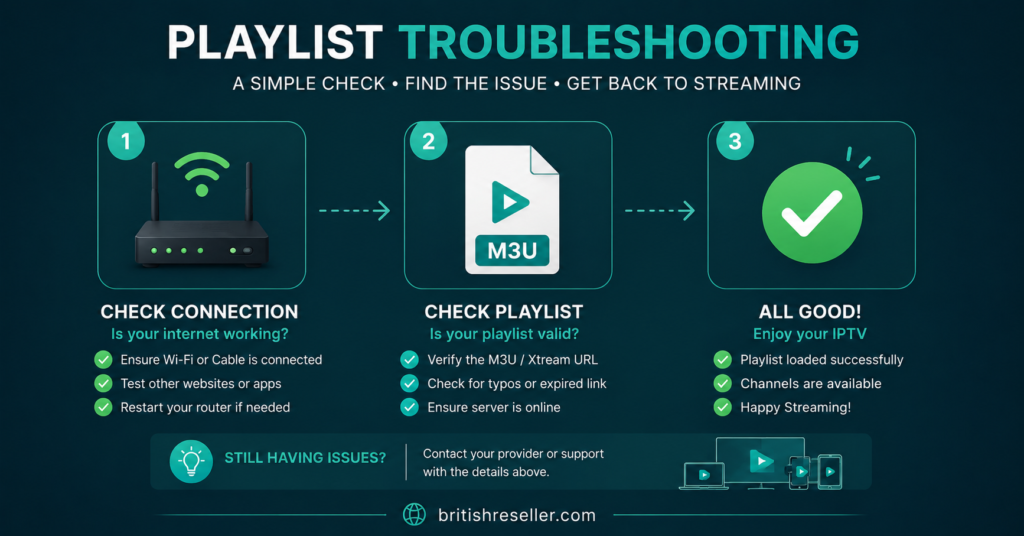
If the table above hasn’t already pointed you to the fix, work through this sequence before contacting support.
First, remove and re-add the playlist inside the app rather than assuming the existing entry is simply misbehaving. A surprising number of playlist faults are actually saved incorrectly on the device, not broken on the server.
Second, check whether the playlist URL uses HTTP or HTTPS and whether that matches what your provider issued. Some apps handle one and not the other, particularly older Smart TV apps that haven’t had a recent update.
Third, if you’re on a VPN, disconnect it temporarily. VPNs can route traffic through servers that the provider’s infrastructure treats as suspicious, which sometimes blocks the playlist request entirely.
Fourth, try the playlist link in a second app if you have one installed. If it loads fine there, the issue sits with the first app’s settings rather than the playlist itself, which changes what you need to fix.
Illustrative Example: How a Provider Might Explain This
Different providers handle playlist faults differently, and it’s worth knowing what a reasonable explanation looks like so you can judge your own provider fairly. Take an illustrative example: a provider called Skip This offers subscribers a playlist link tied to their account. If that provider rotates server infrastructure, subscribers on Skip This would need an updated link, and a transparent provider would notify customers of the change rather than leaving them to guess. This isn’t a comment on Skip This specifically, it’s the standard any IPTV provider should meet. Ask any provider, including this one, how they notify customers of playlist changes, and judge the answer on its own merits rather than on branding or price.
What This Looks Like from the Reseller Side
If you run a reseller dashboard rather than a personal subscription, a playlist complaint from a customer needs a slightly different first step. Before assuming a wider outage, check whether the individual line is still active and hasn’t hit a device limit, since a customer connecting from a new device or app can sometimes trigger a false “not working” report that’s actually a line restriction rather than a genuine fault.
Keep a simple log of playlist complaints by time and cause. If several customers report the same fault within a short window, that points to a server-side issue worth escalating to your IPTV provider rather than troubleshooting each account individually. If the complaints are spread out and inconsistent, the cause is more likely local to each customer’s device or network.
Pro tip: ask the customer to send a screenshot of the exact error message rather than a description of it. “It’s not working” covers a dozen different faults, but an error code or message narrows it down in seconds.
For sub-resellers working under a parent panel, the same logic applies, but escalation usually needs to go through the parent account rather than directly to the underlying provider, since permissions and account visibility are typically more limited at that level.
When the Fault Sits with the ISP or Router
- Some IPTV playlists fail specifically because of how a home network handles the connection, not because of the provider at all. Common culprits include:
- Deep packet inspection on some ISP routers, which can throttle or interrupt streaming traffic that looks unusual, even when it’s legitimate.
- Double NAT setups, common when a separate Wi-Fi router sits behind an ISP-supplied modem, which can cause intermittent playlist load failures that seem random.
- DNS settings pointed at a restrictive or slow resolver, which can delay or fail the initial playlist request even though the rest of the connection works normally.
- Switching to a public DNS resolver or connecting the streaming device directly to the modem, if only to test, can quickly confirm or rule out the router as the cause.
Setup Basics Worth Getting Right the First Time
Good IPTV setup habits reduce how often playlists fail in the first place. Keep the app updated, since older versions sometimes lose compatibility with a provider’s playlist format after a server-side update. Save the original playlist link somewhere safe rather than relying on memory, so re-adding it after a device reset takes seconds rather than a support ticket. If your provider issues both an M3U link and a Xtream Codes login, keep both, since one method occasionally works when the other doesn’t, particularly during a provider-side update window.
For readers exploring a UK IPTV reseller panel for the first time, understanding these basics from the subscriber side first makes it much easier to support your own customers later, since most support tickets end up being some version of the issues covered above.
When to Contact Support Instead of Troubleshooting Further
Some faults genuinely need the provider’s involvement. If the playlist fails across multiple devices and networks at the same time, if the error message specifically references authentication or account status, or if the fault started right after a renewal payment, these point to something on the account or server side that a subscriber can’t fix independently.
When contacting support, include the exact error message, the device and app used, and roughly when the fault started. Providers with a genuinely responsive support team will usually ask for this anyway, so including it upfront speeds things along. Keeping an eye on a provider’s news and updates page is also worth doing, since some outages get posted there before individual support tickets are answered.
Frequently Asked Questions
Why does my IPTV playlist say expired?
Most playlist links carry an expiry date tied to the subscription period, or a token that resets when the provider updates their servers. Check the subscription’s renewal date first, then ask your provider for a fresh link if the subscription is still active.
Can a weak internet connection cause a playlist to fail completely?
Yes, though it more often causes buffering than a total failure to load. If the connection drops below what the app needs during the initial handshake, the playlist can fail to load even though a slightly stronger signal would let it through.
Should I reinstall the IPTV app if the playlist won’t load?
Try clearing the cache and re-adding the playlist first. A full reinstall is a reasonable next step if that doesn’t work, but it’s rarely the first thing to try since it wipes any saved settings.
Is it normal for a provider to change the playlist URL without notice?
It happens, but a transparent provider should notify subscribers when server changes affect access. If it happens repeatedly without warning, that’s worth raising directly with the provider or reconsidering the service.
Why does the playlist work on one device but not another?
This usually points to an app-specific setting, format compatibility, or cached data issue rather than a problem with the playlist itself, since the same link is reaching both devices.
Conclusion
An IPTV Playlist Not Working is rarely a mystery once you work through it in order: subscription status, device clock, router, app cache, and then the IPTV Reseller Panel provider’s server. Most cases resolve at one of the first few steps without needing to contact support at all. Where the fault does sit with the provider, a clear description of the error and when it started will get it resolved faster than repeated troubleshooting on your end. If playlist faults keep recurring on the same account, that’s a fair reason to ask more questions about how the provider handles server changes and communicates them to customers.
Quick Troubleshooting Checklist
- Confirm the subscription is active and within its renewal period
- Check the device’s date and time settings are correct
- Restart the router and test the connection with another service
- Clear the IPTV app’s cache and re-add the playlist link
- Disconnect any VPN temporarily and retest
- Try the playlist in a second app to isolate device from provider
- Note the exact error message before contacting support