

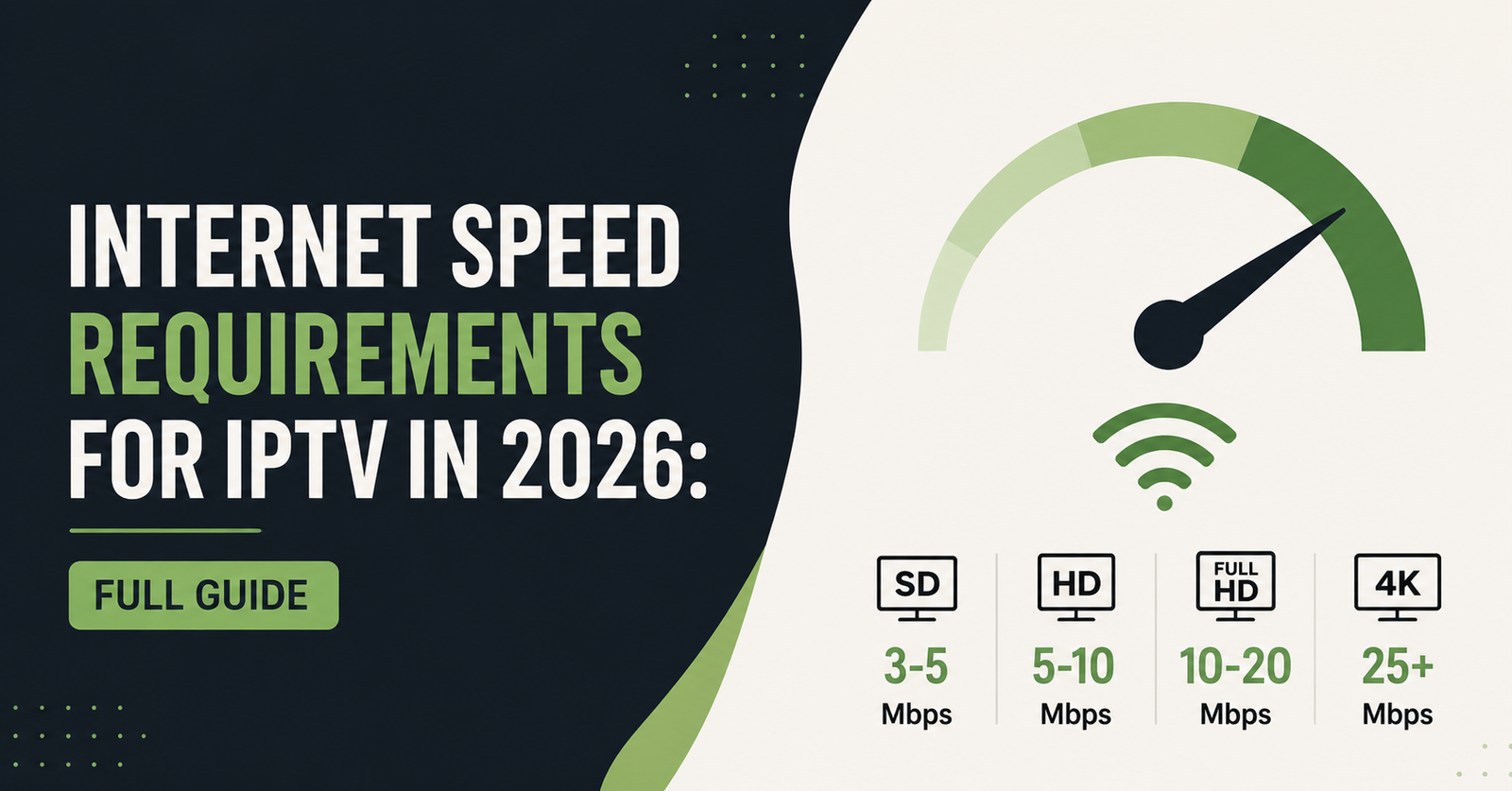
Internet Speed Requirements for IPTV in 2026 depend mainly on picture quality and how many devices are streaming at once. As a rough working baseline, standard definition needs around 3 to 5 Mbps per stream, HD needs roughly 8 to 12 Mbps, and 4K needs closer to 25 Mbps or more, with extra headroom for other devices sharing the same connection. Speed alone will not guarantee a smooth picture though, because latency, Wi-Fi congestion, and how the connection is set up all play a part too. The rest of this guide breaks down where those numbers come from, what actually causes buffering when the numbers look fine on paper, and how to test your own connection properly.
Why the Basic Speed Numbers Only Tell Half the Story
Most IPTV guidance online repeats the same rough Mbps figures without explaining why they sometimes fail in practice. A household with a 50 Mbps connection can still get constant buffering, while another household on 20 Mbps streams without issue. The difference usually comes down to how that bandwidth is actually being used.
IPTV streams need a steady, uninterrupted flow of data, not just a high peak speed. A connection that spikes up to 100 Mbps but drops briefly every few minutes will cause more visible problems than a stable 15 Mbps line. This is why speed test results alone can be misleading, particularly on shared or older broadband packages.
Pro tip: Run a speed test at the exact time you normally watch IPTV, not first thing in the morning when the household network is quiet. Evening figures are the ones that actually matter.
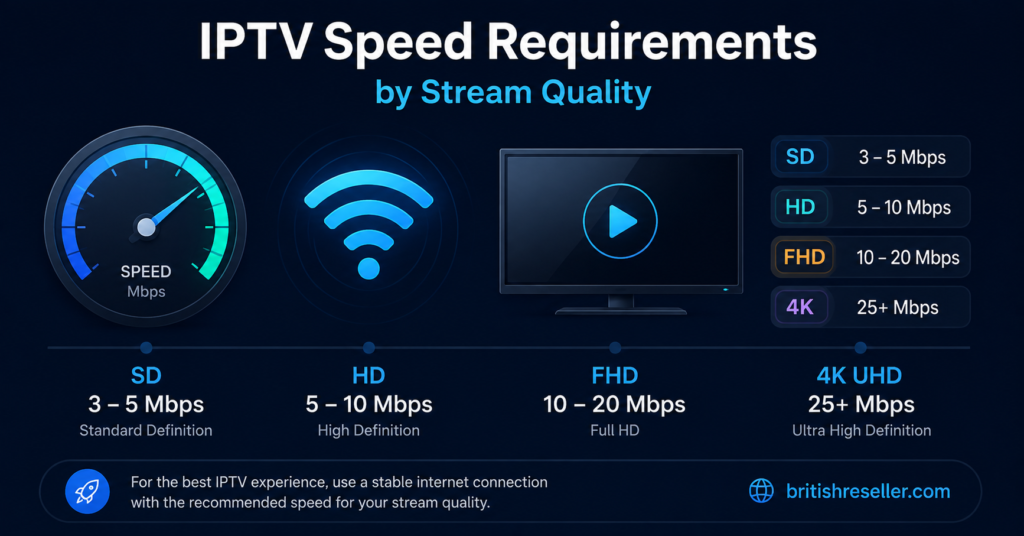
Internet Speed Requirements for IPTV in 2026 by Stream Quality
The table below gives a general working range rather than a fixed number, since encoding efficiency and provider setup vary.
| Stream Quality | Typical Minimum Speed | Comfortable Speed |
|---|---|---|
| SD (Standard Definition) | 3 to 5 Mbps | 6 Mbps |
| HD (720p to 1080p) | 8 to 12 Mbps | 15 Mbps |
| 4K (Ultra HD) | 25 Mbps | 35 Mbps or more |
These figures are per stream. If two people in the same house are watching different channels on different devices, the requirement roughly doubles. A household running one 4K stream and one HD stream at the same time should realistically be looking at 40 Mbps or higher just for IPTV, before accounting for anything else using the connection.
Pro tip: If your package advertises a headline speed, check the guaranteed minimum speed in the small print too. UK broadband providers are required to state this separately, and it is usually the more realistic figure for evening use.
What Actually Causes Buffering Beyond Raw Speed
Buffering is often blamed entirely on broadband speed, but several other factors matter just as much, and sometimes more.
Wi-Fi signal strength. A router sitting two rooms away from the streaming device can lose a significant amount of throughput before the signal even reaches the TV. Ethernet cable connections avoid this problem entirely and are the single most reliable fix for buffering on a borderline connection.
Network congestion. Multiple devices downloading, gaming, or video calling at the same time as an IPTV stream will compete for the same bandwidth. A connection that comfortably handles IPTV alone can struggle the moment someone else in the house starts a large download.
Latency and jitter. Speed measures how much data arrives, but latency measures how consistently it arrives. High jitter causes the small stutters and freezes that speed alone will not explain, and it is common on older copper-based connections rather than fibre.
Router hardware age. Older routers, particularly ones supplied several years ago by an ISP, often cannot handle multiple simultaneous streams even on a fast line, simply because the hardware itself is the bottleneck.
Internet Speed Requirements for IPTV in 2026: Subscriber vs Reseller View
Subscribers and resellers tend to run into different problems, even on the same connection.
| Angle | Subscriber Priority | Reseller Priority |
|---|---|---|
| Speed testing | Confirming their own home connection | Advising customers before a sale |
| Device setup | One or two screens at a time | Explaining multi-device households |
| Troubleshooting | Fixing buffering when it happens | Reducing support tickets about buffering |
For subscribers, the priority is usually working out whether their existing broadband is genuinely capable, since many households already have enough speed and simply have a router placement or congestion issue instead. For resellers, the priority is setting expectations correctly before the sale, because a customer who buys a 4K package on a connection that cannot support it will usually blame the service rather than their own broadband.
Testing Your Connection Properly Before Blaming the Service
A single speed test is not enough to diagnose an IPTV problem. A more useful approach is testing at different times of day, on different devices, and with other household activity happening at the same time.
Start with a wired test where possible, using a laptop connected directly to the router. This removes Wi-Fi as a variable and shows the actual speed reaching the property. Then repeat the test over Wi-Fi from the same spot as the streaming device, since a large gap between the two results usually points to a wireless issue rather than a broadband issue.
It also helps to test during the exact viewing window when buffering happens, rather than relying on a single daytime result. ISPs sometimes see genuine slowdowns during peak evening hours, particularly on older infrastructure in busier areas.
Pro tip: If wired and wireless results are similar but buffering still happens, the issue is more likely to be server-side or app-related rather than your home connection, and worth raising with support rather than upgrading your broadband package unnecessarily.
Illustrative Example: How a Provider Like Skip This Fits Into the Picture
Different IPTV providers vary in how efficiently they compress and deliver their streams, which affects real-world bandwidth needs even at the same advertised quality. Taking a provider such as Skip This as an illustrative example, the same principles apply regardless of which service is being used: check what quality level the subscription is set to, confirm whether multiple connections are permitted on the account, and test the stream at normal viewing times rather than assuming a fast broadband package guarantees a smooth picture.
No provider should be treated as automatically reliable, licensed, or buffer-free simply because it has a professional-looking website or accepts card payments. Those factors say nothing about the underlying infrastructure or the legitimacy of the content being distributed, and it is worth remembering that legality with any IPTV service depends on the rights and permissions behind the content itself, not on how the platform is presented.
Reseller Guidance: Setting Speed Expectations Before the Sale
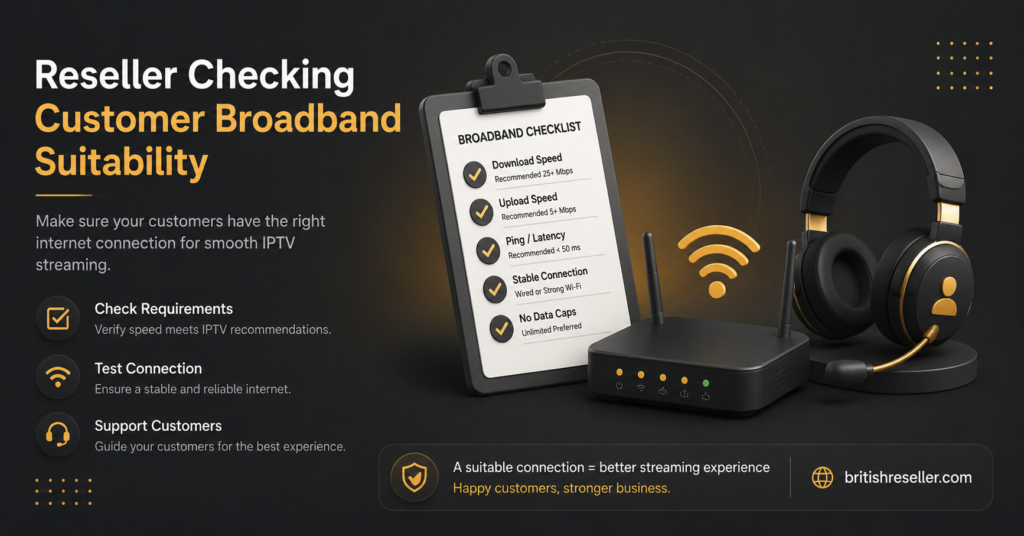
Resellers using an IPTV reseller dashboard to manage customer lines will save themselves a significant number of support tickets by asking about broadband speed and setup before activating a higher quality package. A customer on an older 15 Mbps connection who buys a 4K line is far more likely to raise a complaint than one who was steered towards HD from the start.
It also helps to explain the difference between advertised and guaranteed minimum speed when a customer mentions their package, since many households genuinely do not know which figure applies during peak hours. Reviewing available reseller credit packages alongside this conversation lets a reseller match the right subscription length and quality tier to what the customer’s connection can realistically support.
For sub-resellers working under a parent panel, the same advice applies, with the added point that speed-related disputes often land on the sub-reseller first, since they are the direct point of contact for the customer. Setting expectations early reduces that pressure considerably.
Common Mistakes When Judging IPTV Speed Needs
A few recurring mistakes come up again and again, on both the subscriber and reseller side.
| Mistake | Better Approach |
|---|---|
| Assuming advertised speed always applies | Check the guaranteed minimum speed for peak hours |
| Testing only once, in the morning | Test during actual evening viewing times |
| Ignoring Wi-Fi placement | Move closer to the router or use ethernet |
| Buying 4K on a borderline connection | Start with HD and upgrade once speed is confirmed |
| Blaming broadband for every buffering issue | Rule out router age, congestion, and app issues first |
When It Is Genuinely a Broadband Problem
Not every buffering issue is broadband related, but some clearly are. If a wired speed test consistently shows results well below the package’s guaranteed minimum, that points to a genuine ISP-side issue worth raising directly with the broadband provider rather than the IPTV service. Persistent packet loss or high latency on a wired connection, even at an acceptable download speed, is another sign worth investigating with the ISP, since it usually reflects a line quality issue rather than anything happening at the streaming end.
Checking the contact and support options available through a reseller panel is also worth doing before assuming the broadband is at fault, since a genuine service-side outage or bouquet issue can look identical to a speed problem from the viewer’s side.
Frequently Asked Questions
What is the minimum internet speed needed for IPTV?
For a single standard definition stream, around 3 to 5 Mbps is typically enough. HD generally needs 8 to 12 Mbps, and 4K needs closer to 25 Mbps or more per stream.
Does Wi-Fi affect IPTV streaming quality?
Yes. Wi-Fi signal strength and distance from the router can reduce the speed actually reaching the streaming device, even when the broadband package itself is fast. An ethernet connection usually gives more consistent results.
Why does IPTV buffer even with fast broadband?
Buffering can be caused by network congestion, high latency or jitter, an older router struggling with multiple streams, or issues on the provider’s side, not just the raw download speed shown on a speed test.
How much speed do I need for multiple devices streaming at once?
Add up the requirement for each stream separately. Two HD streams running at the same time need roughly double a single HD stream’s requirement, plus some headroom for other household activity.
Should resellers ask customers about their broadband before selling a 4K package?
It is a sensible step. Matching the subscription quality to what the customer’s connection can realistically support tends to reduce buffering complaints and support tickets later on.
Is a higher advertised broadband speed always better for IPTV?
Not necessarily. A stable, consistent connection with low latency often performs better for streaming than a higher headline speed that fluctuates during peak hours.