

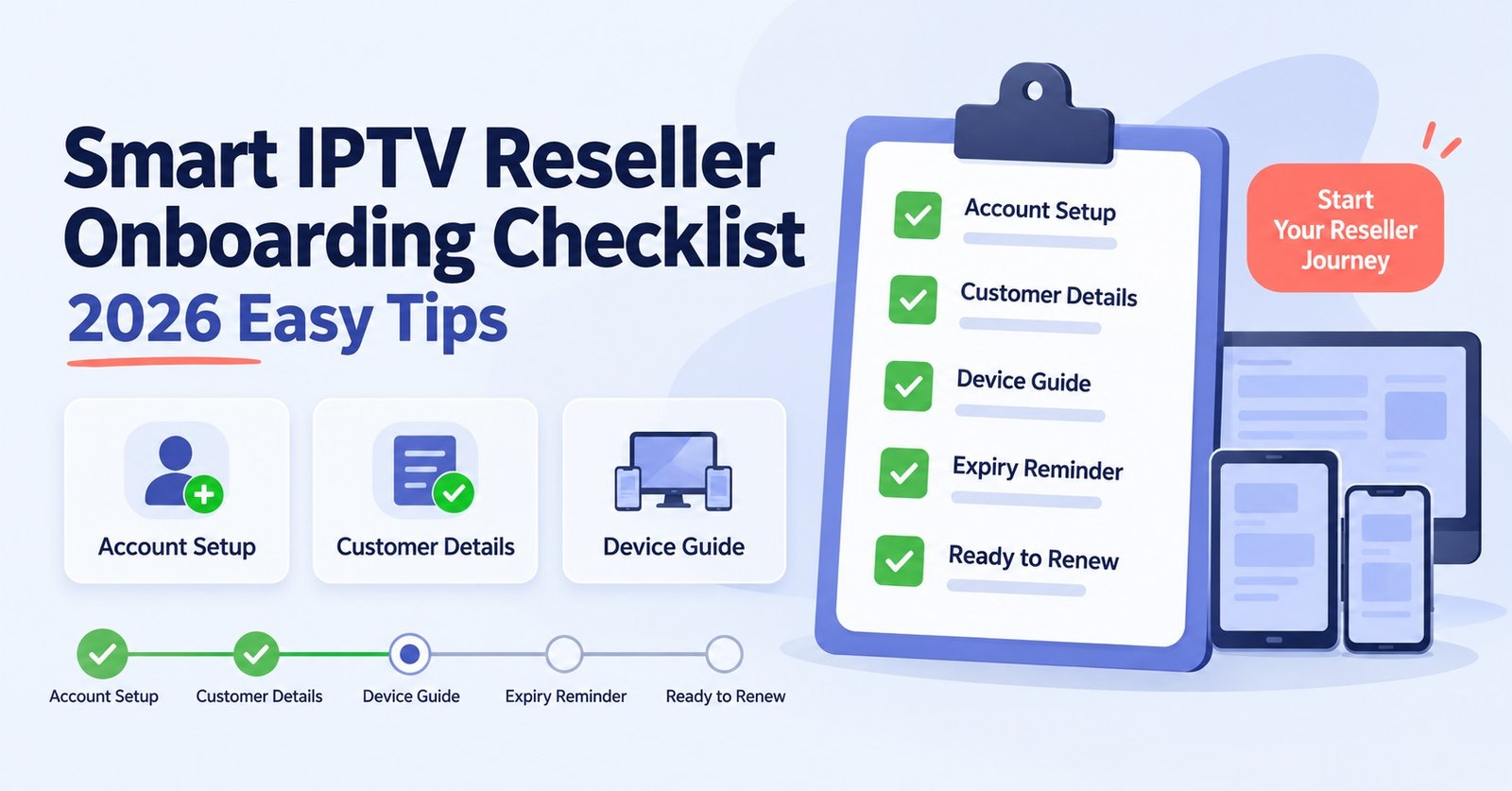
A proper IPTV reseller onboarding checklist covers five things before your first sale: account verification, credit purchase, pricing structure, dashboard familiarity and a working delivery method for customer credentials. Skip any one of these and the first week of reselling tends to involve more back and forth than it should, usually with a confused customer on the other end of a message.
Why an IPTV Reseller Onboarding Checklist Matters More Than a Quick Sign-Up
Most new IPTV panel resellers treat sign-up as the finish line. Create an account, buy some credits, done. In practice, the sign-up step is the easy part. What actually determines whether the first month goes smoothly is what happens between account creation and the first paid customer, and that gap is where most avoidable problems show up. A customer asks a question you can’t answer yet. A line gets created with the wrong subscription length. Pricing wasn’t worked out in advance, so you’re calculating margins on the fly while someone is waiting for a reply.
None of this is complicated to avoid. It just needs to happen in a sensible order, before the pressure of a live customer forces decisions you haven’t thought through.
Before You Choose a Panel
A few checks belong before you commit to any provider, not after.
Look at how credits are structured. Some panels sell credits in fixed bundles, others let you top up in smaller amounts. Neither is wrong, but you should know which one you’re dealing with before you buy, since it affects how you price your own packages later.
Check whether a free trial is offered without requiring payment details upfront. A trial that actually lets you create test lines and explore the dashboard tells you far more than a sales page ever will. If a provider won’t let you look before you buy, that’s worth noting.
Confirm device compatibility in plain terms. Most working panels support the usual range, Smart TVs, Android boxes, Firestick, MAG devices, and common IPTV player apps. If a provider is vague about this, ask directly rather than assuming.
Pro tip: Request the trial before reading any pricing page in detail. Testing the dashboard first stops marketing language from shaping your expectations.
Day One: Account Verification and Dashboard Access
Once you’ve signed up, resist the urge to jump straight into selling. Spend your first session just learning the dashboard.
Confirm your credit balance matches what you paid for. This sounds obvious, but reconciling it immediately means any discrepancy gets caught before you’ve spent credits and lost the ability to easily trace it back.
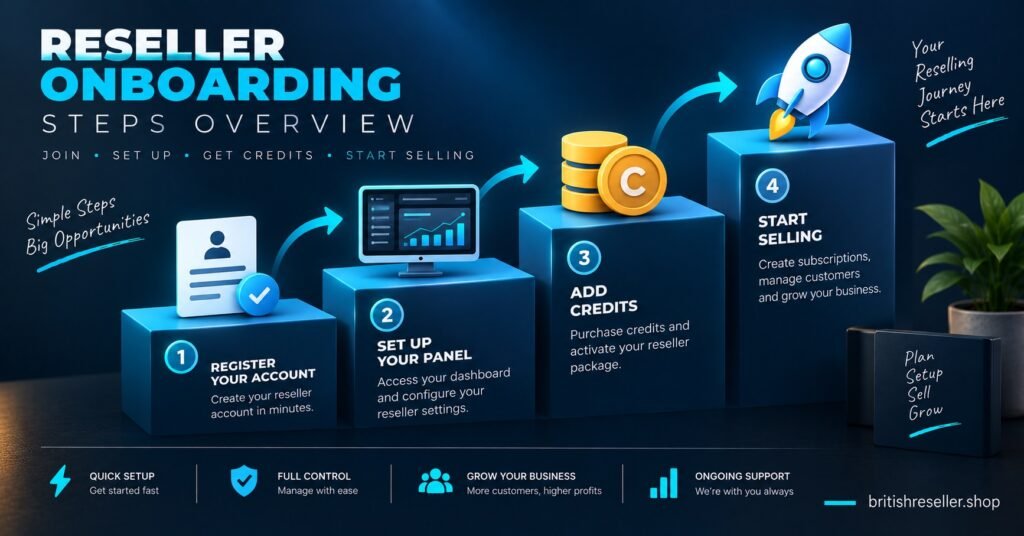
Locate where user lines are created and understand the subscription length options before you need to use them under time pressure. A one month line typically costs fewer credits than a twelve month one, and knowing that difference in advance avoids awkward pricing conversations with your first customer.
Check where credit logs and usage history live. You’ll want this later when a customer disputes an activation date or asks when their line was created, and knowing where to look saves you from digging around mid-conversation.
If sub-reseller accounts or white label options are available and relevant to your plans, find the settings now rather than discovering them three months into running your business.
Setting Your Own Pricing Before Your First Customer
Pricing is the part new IPTV resellers most often leave until someone actually asks. That’s backwards.
Work out your cost per credit based on the package you bought, then decide what you’ll charge per subscription length. Build in enough margin to cover the inevitable trial requests, occasional refunds, and the time you’ll spend on customer support. A margin that only works if everything goes perfectly isn’t really a margin.
Decide your refund and extension policy before you need one. Will you offer partial refunds if a customer isn’t satisfied in the first few days? Will you extend a line free of charge if there’s a technical issue on your end? These decisions are much easier to make calmly in advance than reactively when a customer is already unhappy.
Your First User Line: A Practical Walkthrough
The actual process of creating a line is usually straightforward once you’ve done it once. Log into your dashboard, select the option to create a new user, choose the subscription length your customer has paid for, and confirm. The panel generates a username, password, and server details.
What trips people up isn’t the creation itself, it’s the delivery. Decide in advance how you’ll send credentials to customers, whether that’s WhatsApp, email, or another method, and have a short, clear message template ready. Include basic setup guidance so you’re not typing the same instructions from scratch for every new customer.
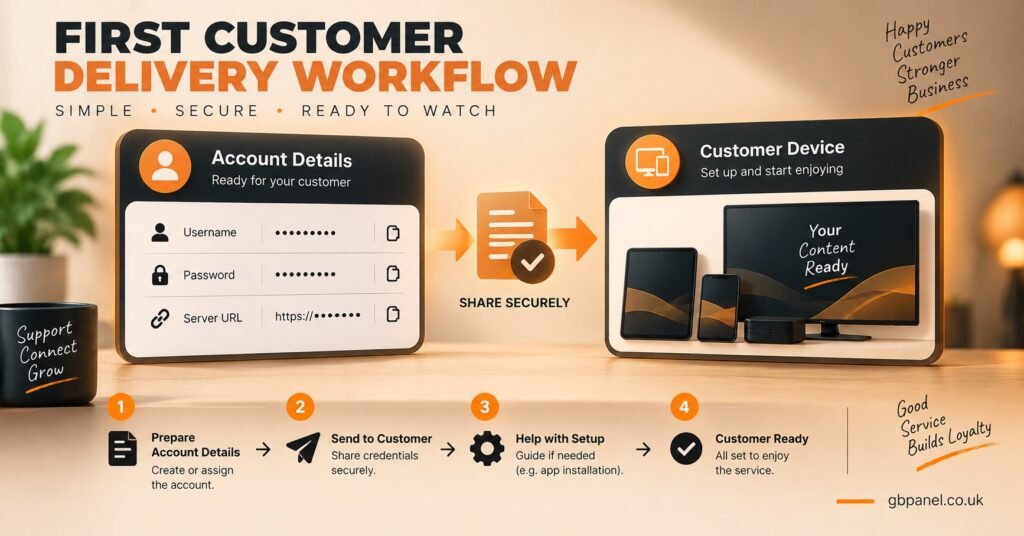
Test the line yourself if you can, on a spare device or app, before handing it over. A two minute check catches most connection issues before they become a customer complaint.
Common Onboarding Mistakes New Resellers Make
A few patterns show up repeatedly among IPTV resellers in their first month.
Buying a large credit package before testing the panel properly. It feels efficient, but if the dashboard doesn’t suit your workflow, you’re stuck with unused credits and a provider switch to sort out.
Not testing device compatibility with their own customer base in mind. A panel that supports everything in theory still needs checking against what your actual customers use.
Setting prices without accounting for support time. Reselling isn’t just credit cost plus margin, it also involves answering questions, handling renewals, and occasionally dealing with a line that isn’t working as expected.
Skipping the trial generator entirely. Trials convert hesitant prospects into paying customers far more reliably than a sales pitch alone.
Onboarding Checkpoints and What Each One Confirms
| Onboarding Stage | What to Verify |
|---|---|
| Before signing up | Credit structure, trial availability, device support |
| First dashboard login | Credit balance, line creation process, log access |
| Before first sale | Pricing worked out, refund policy decided |
| First user line | Correct subscription length, tested credentials |
| First week | Support response times, renewal process understood |
Scaling Past Your First Few Customers
Once you’ve handled a handful of customers without major issues, onboarding effectively shifts into a second phase.
If your provider offers sub-reseller accounts, this is the point to consider them, particularly if you’re planning to bring other people into your operation rather than handling every customer personally. Sub-reseller setups let you assign independent credit pools while keeping overall visibility, but they only work smoothly if permissions are set up correctly from the start rather than adjusted later once accounts are already active.
Pro tip: Keep a simple record, even a basic spreadsheet, of which customer has which subscription length and renewal date. Dashboards track this too, but a personal record makes spotting upcoming renewals faster.
Review your credit pricing plans again once you have real usage data. Your initial estimates were guesses. After a month of actual customers, you’ll know your real support time and refund rate, and your pricing should reflect that rather than the assumptions you started with.
Frequently Asked Questions
How long does IPTV reseller onboarding actually take?
Most people can complete the practical steps, dashboard familiarity, pricing, and a first test line, within a single session. Building genuine confidence with the workflow usually takes handling a few real customers over the first week or two.
Do I need technical skills to get started as a reseller?
No specific technical background is required. The process involves using a dashboard interface rather than configuring servers or software. Basic comfort with web-based tools is sufficient.
Should I buy a large credit package immediately?
It’s generally more sensible to start smaller, test the platform properly, and top up as your customer base grows. Unused credits sitting in a balance don’t help you if the panel doesn’t suit your workflow.
What should I check before generating my first customer trial?
Confirm the trial duration, make sure you understand how it expires, and have your setup instructions ready to send alongside the credentials.
Is sub-reseller setup something I should do on day one?
Usually not. It’s worth setting up once you have a clear reason for it, such as bringing on other people to help manage customers, rather than adding complexity before you need it.
Conclusion
Getting an IPTV reseller panel onboarding checklist right isn’t about ticking boxes quickly, it’s about doing the groundwork so your first customers don’t become your first problems. Verify your account and credit balance, learn the dashboard before you need it under pressure, work out pricing in advance, and test your first line before handing it over. None of this takes long, but skipping it tends to cost more time later than it would have taken to do properly at the start. If you’re still comparing providers, request a free trial and go through the dashboard yourself before committing to a credit package.
IPTV Reseller Onboarding Checklist
- Confirm credit structure and trial availability before signing up
- Check device compatibility against your expected customer base
- Verify your credit balance immediately after your first login
- Locate the credit log and usage history section in the dashboard
- Work out pricing per subscription length before your first sale
- Decide your refund and extension policy in advance
- Create and test a line yourself before delivering it to a customer
- Prepare a standard message template for sending credentials
- Track renewal dates for your early customers manually or via the dashboard
- Review pricing again after your first month of real usage